Vintage
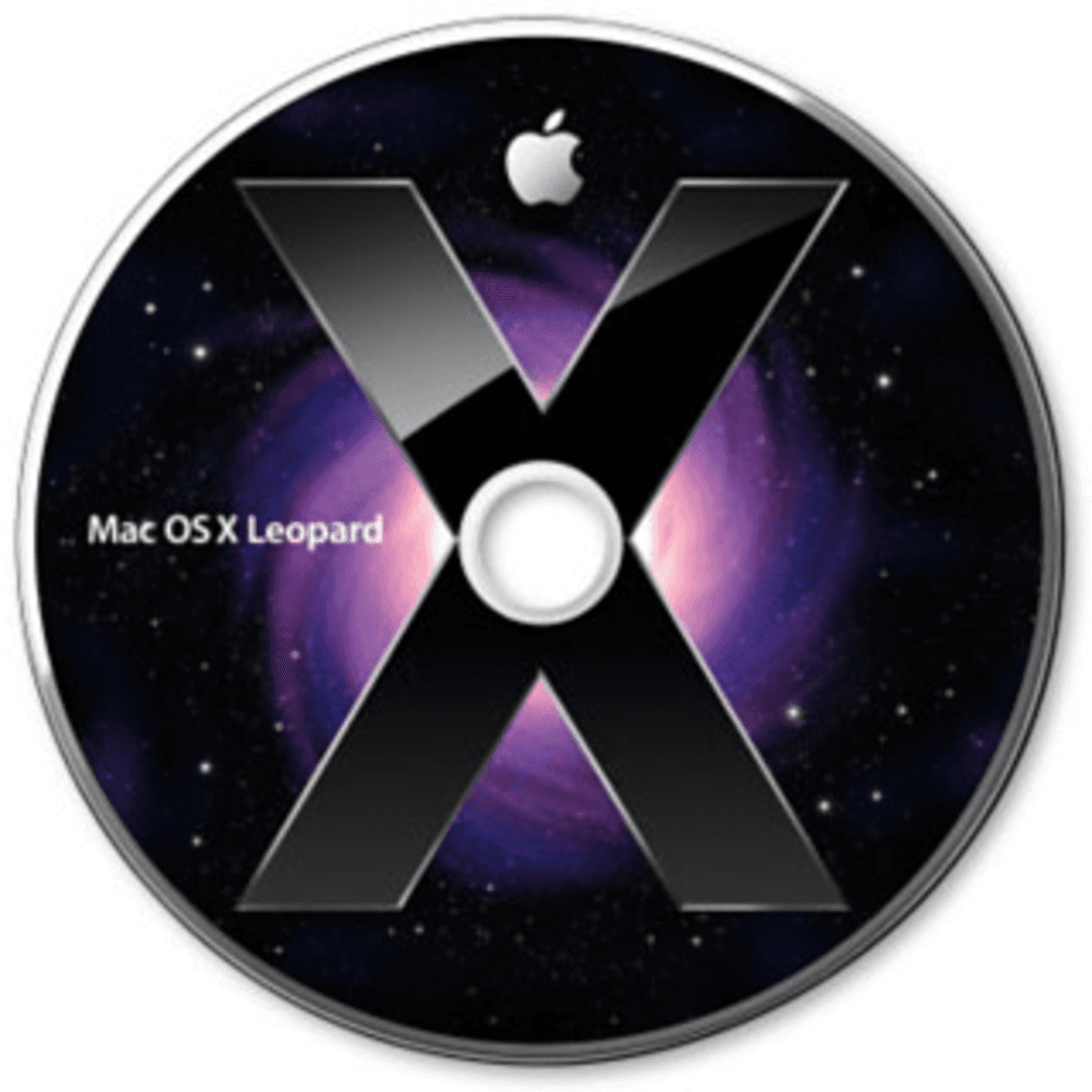
macOSX Leopard 10.5 on Chasms.com
Categories:
Type:
Free
Mac OS X Leopard 10.5: The "Ultimate" Upgrade
Released on October 26, 2007, Mac OS X 10.5 Leopard was one of the most significant updates in Apple’s history. Packed with over 300 new features, it moved the Mac away from the "brushed metal" look of the early 2000s into a sleek, modern aesthetic that still influences macOS today.
The New Desktop and Stacks
Leopard introduced a completely redesigned 3D Dock with a reflective glass floor.
Stacks: To clear up desktop clutter, Leopard introduced "Stacks." When you clicked a folder in the Dock, its contents would "fan" out or pop up in a neat grid, making it easy to grab files without opening a Finder window.
Menu Bar Transparency: The menu bar became translucent, taking on the colors of your wallpaper for a more integrated look.
Time Machine: Backup for Everyone
Before Leopard, backing up a computer was a chore. Time Machine turned it into a visual experience.
The Galaxy Interface: Users could "travel back in time" through a star-filled interface to recover deleted files or see what a folder looked like weeks ago.
Automatic Safety: It was the first mainstream backup solution that was truly "set it and forget it" for home users.
Quick Look and Finder
Quick Look: Perhaps the most useful feature ever added to the Mac, Quick Look allowed users to preview almost any file—photos, PDFs, or Word docs—simply by hitting the Spacebar.
Cover Flow: Taking a cue from iTunes, the Finder added "Cover Flow," allowing you to flip through your documents and images like album art.
Key Technical Milestones
64-bit Power: Leopard was the first version to be fully 64-bit, allowing apps to take full advantage of more memory and faster processors.
Boot Camp: After a long beta, Boot Camp officially shipped with Leopard, allowing Intel-based Mac users to easily install and run Windows natively.
Spaces: This introduced virtual desktops to the Mac, letting users organize different apps into separate screen "spaces."

More Tools:





Load More
