Featured
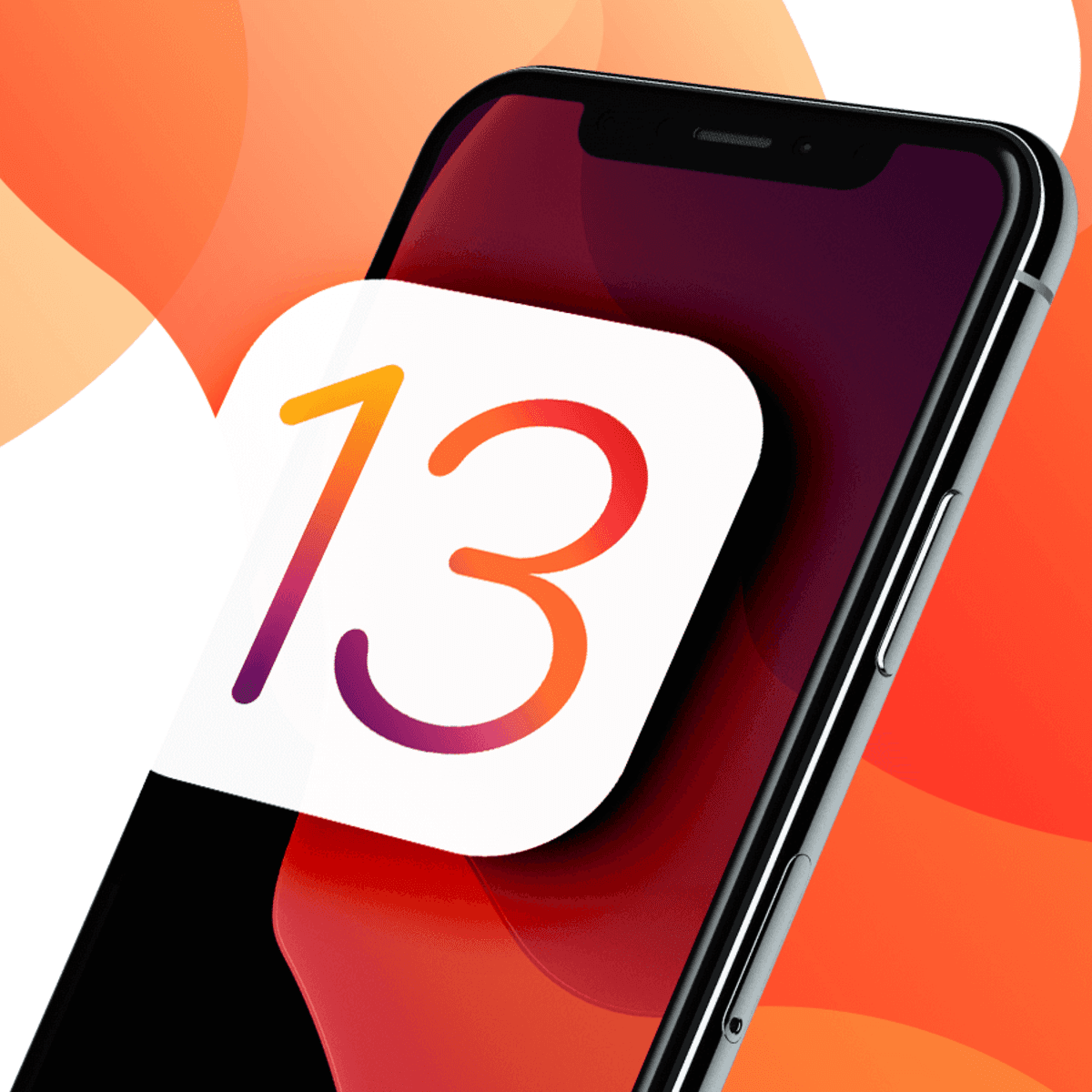
Apple iPhone iOS 13.1 on Chasms.com
Categories:
Type:
Free
iPhone on iOS 13.1: Polishing the Dark Mode Era
Released on September 24, 2019, iOS 13.1 arrived just days after the initial launch of iOS 13. For Chasms.com users, this wasn't just a bug-fix update; it was the version that truly unlocked the potential of the iPhone 11 series and brought back several "missing" features from the original beta.
The Precision of the U1 Chip
iOS 13.1 was the first version to take advantage of the Ultra Wideband (U1) chip in the iPhone 11 and 11 Pro.
Directional AirDrop: It introduced "spatial awareness," meaning you could point your iPhone at someone else’s to prioritize them for AirDrop. It was the first step toward the precise tracking we now use with AirTags.
Shortcuts Automations & Sharing
Automations are Back: iOS 13.1 officially launched the Automations tab in the Shortcuts app. This allowed users to create "If This, Then That" triggers—like automatically playing a playlist when you arrive at the gym or turning on the lights when your alarm goes off.
Share ETA: Apple Maps brought back the ability to share your estimated time of arrival with friends and family. They could follow your progress on a map in real-time until you reached your destination.
Dark Mode & Audio Sharing
System-Wide Dark Mode: While introduced in 13.0, iOS 13.1 perfected the integration. The stunning high-contrast look saved battery on OLED screens and made browsing Chasms.com at night much easier on the eyes.
Audio Sharing: This update allowed two sets of AirPods (or Powerbeats Pro) to connect to a single iPhone simultaneously. It became the perfect way for two people to watch a movie or listen to a podcast together on a flight.
Volume HUD & Volume Icons
Apple finally fixed one of the longest-standing complaints in iPhone history: the giant volume square in the middle of the screen. In iOS 13.1, the Volume HUD became a slim bar on the side of the screen. Additionally, if you were wearing AirPods or Powerbeats, the volume slider would show a tiny icon of the specific device you were using.

More Tools:





Load More
